
NEWS
Why Your New LED Headlights Flicker or Throw Error Codes (and How to Fix It)

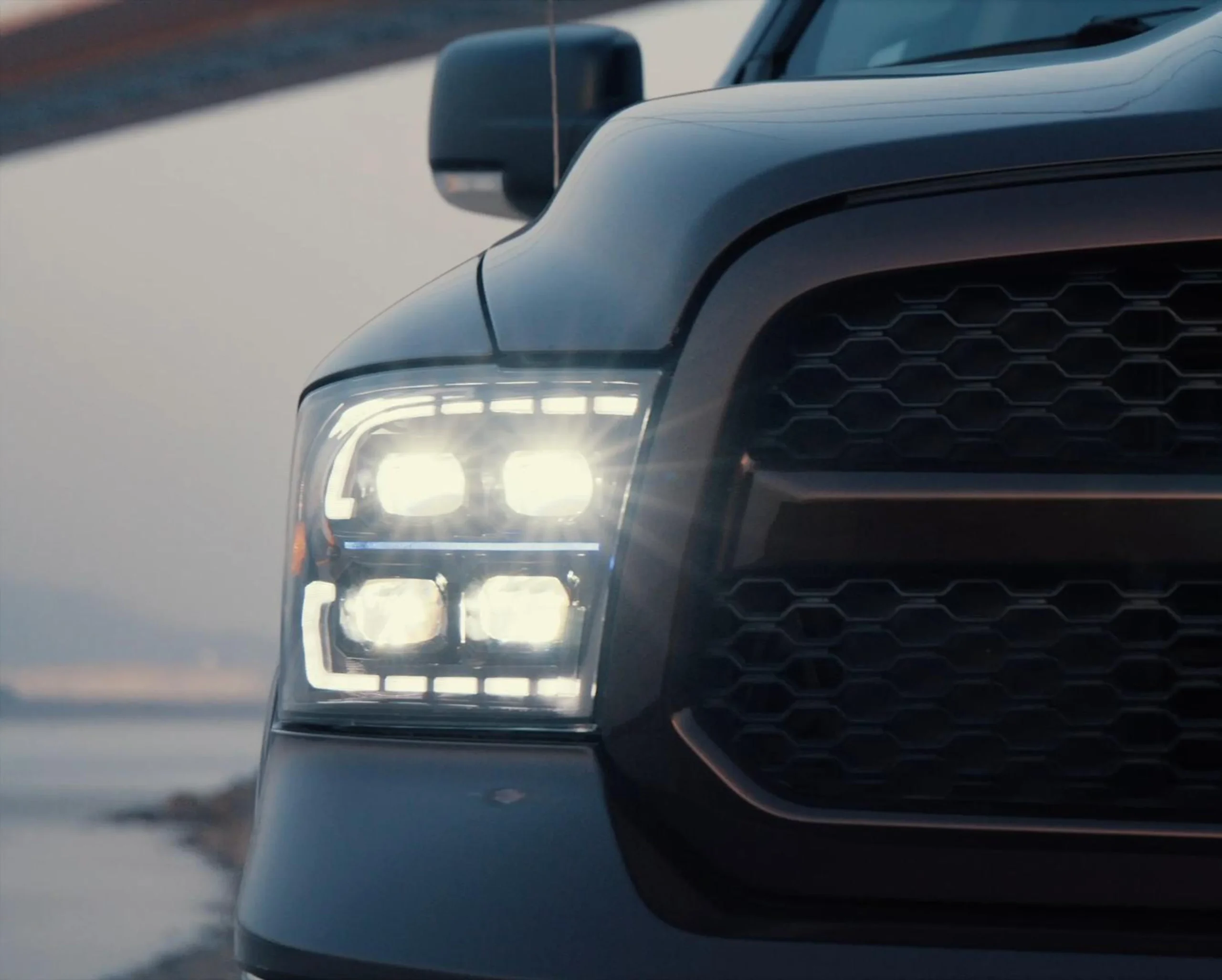
Swapping halogen headlights for LEDs is one of the most popular upgrades a driver can make. The light is whiter and the bulbs last longer. But for a surprising number of people, the excitement ends the moment they start the car: a “bulb out” warning appears on the dashboard, the headlights flicker, or one side simply refuses to light up.
The cause is rarely a defective bulb. It is almost always a conflict between the LED and the vehicle’s built-in monitoring system.
How Your Car “Checks” Its Headlights
Most modern vehicles use a CAN bus (Controller Area Network) to let electronic modules talk to each other. One of its jobs is watching the lighting circuits. The car does not actually see the light. It measures the electrical load on each circuit. If the load suddenly drops, the system assumes the filament has burned out and warns the driver.
That works well with halogen bulbs, which draw a predictable amount of power. LEDs change the picture. A typical halogen headlight bulb draws around 55W, while an LED replacement may draw only 20 to 35W. The car reads that lower draw as a failure, even though the LED is working perfectly.
What a Mismatch Looks Like
If your car’s monitoring doesn’t accept the new bulbs, you will usually notice one or more of these:
- A bulb-failure warning on the dashboard
- Fast blinking of the indicators (hyper-flash)
- Headlights that flicker or pulse
- Lights that cut out intermittently
- A bulb that doesn’t light at all
If you see any of these right after an LED upgrade, the monitoring system is the first place to look, not the bulb.
Two Ways to Solve It
1. Canbus-ready LED bulbs. These have decoder circuitry or resistors built into the bulb, so the car still “sees” a normal load. They are generally plug-and-play, though they tend to be a little longer than basic LEDs because of the extra electronics. Good designs manage the heat from that circuitry well.
2. External load resistors. These are wired in parallel with a standard LED to imitate the missing load. They are cheap and work with any LED, but they get hot, need extra wiring, and are harder to hide behind the headlight housing. If installed badly, they can damage nearby wiring. For most drivers, the all-in-one bulb is the cleaner and safer route.
Do You Actually Need Canbus Bulbs?
It depends on the vehicle. As a rough guide:
| Vehicle type | Canbus likely needed? |
|---|---|
| European brands (BMW, Audi, Mercedes, VW) | Yes, on most models |
| Asian brands (Toyota, Honda, Hyundai) | On some models, mainly 2010 and newer |
| American brands (Ford, Chevrolet, Dodge) | On some models, mainly 2012 and newer |
| Older vehicles (pre-2005) | Rarely |
Always check your specific make, model and year before buying, because the cut-off varies by manufacturer. It also helps to understand how Canbus and non-Canbus LED headlights differ, since that explains why the same bulb can run flawlessly on one car and throw errors on another. If you can’t confirm your vehicle, a Canbus-ready bulb is the safer choice, since it also works on cars without bulb monitoring. The only downside is price, with Canbus versions typically costing more than basic LEDs.
A Quick Buying Checklist
- Confirm your vehicle’s bulb socket (H7, H11, 9005, H4 and so on).
- Check whether your model year uses bulb-failure monitoring.
- Choose Canbus-ready bulbs for monitored vehicles; standard LEDs are fine on older cars without it.
- Avoid stacking a resistor onto a bulb that already has a built-in decoder.
- Buy from a supplier that can tell you which models are compatible.
The Bottom Line
An LED headlight upgrade shouldn’t come with warning lights and flicker. Once you understand that the problem is the car’s monitoring and not the bulb, the fix is straightforward: match the bulb type to your vehicle, and you get the brighter, longer-lasting light you wanted without the dashboard drama.