
Tech
10 Best ChatGPT Alternatives for Writing, Research, and Everyday Tasks

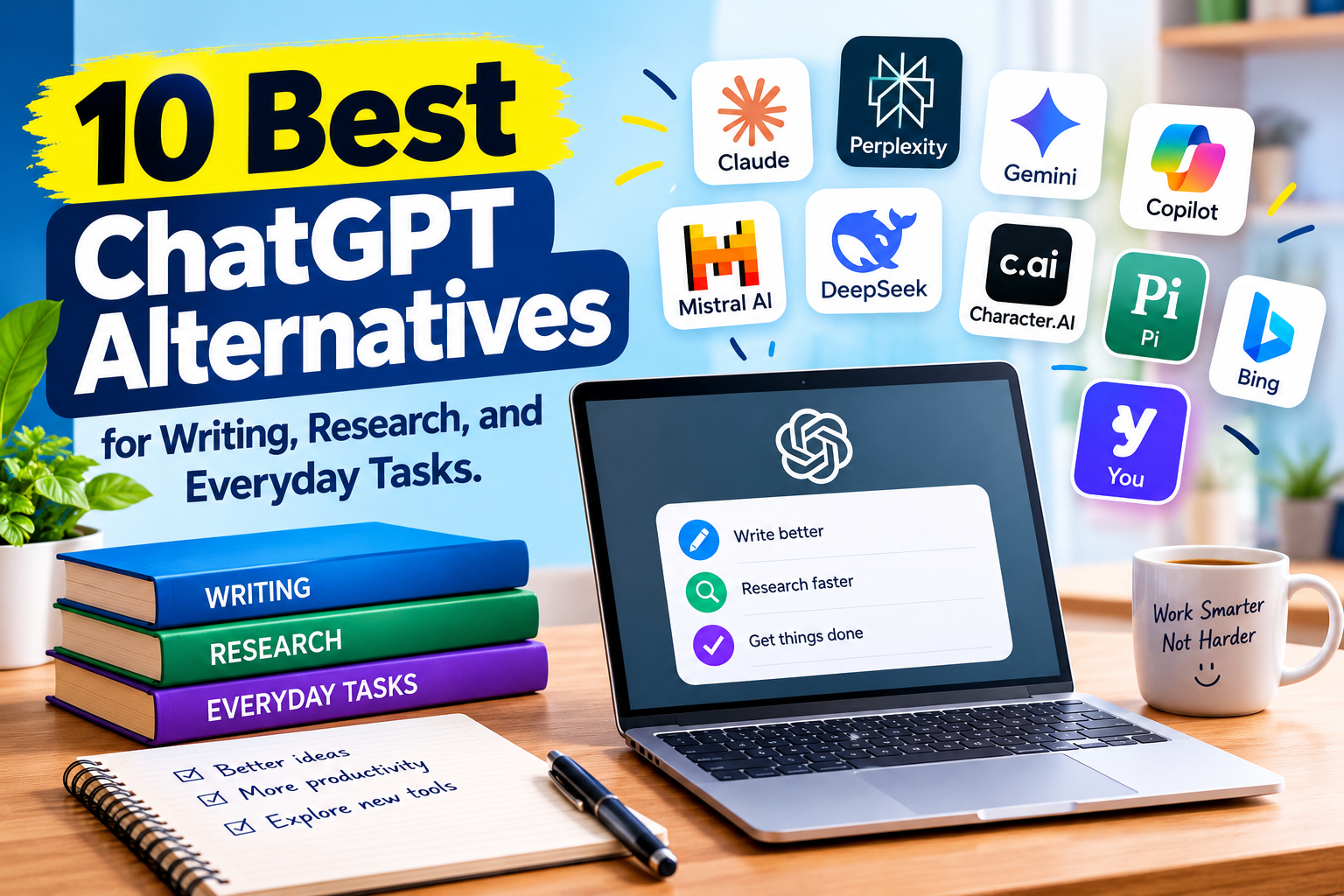
ChatGPT has become a popular AI assistant for writing, answering questions, generating ideas, and completing everyday tasks. However, it is not the only AI chatbot available. Several other AI tools can help you write articles, research topics, create content, solve coding problems, and learn new skills.
Some ChatGPT alternatives focus on finding information from the internet. Others are designed for writing, coding, or working with documents. A few also connect with services you may already use, such as Google Workspace or Microsoft 365.
The best ChatGPT alternative depends on what you want to do. If you need help writing articles, you may prefer an assistant that produces natural and clear text. If you want to research a topic, a tool that provides useful sources may be a better choice.
In this guide, we will explore 10 ChatGPT alternatives, explain their main features, and help you choose an AI assistant that fits your needs and budget.
What Are ChatGPT Alternatives?
ChatGPT alternatives are AI assistants that offer similar features to ChatGPT, such as answering questions, writing content, summarizing information, and helping with different tasks.
These tools use artificial intelligence models to understand instructions and generate responses. However, each platform has its own strengths, features, limitations, and pricing options.
For example, one chatbot may be particularly useful for research because it provides links to sources. Another may work well for people who use Google applications. A coding assistant may offer features designed specifically for software development.
You do not need to replace ChatGPT completely. You can use more than one AI assistant and select the one that works best for each task.
10 Best ChatGPT Alternatives
Here are 10 AI tools worth exploring if you want something different from ChatGPT.
1. Google Gemini
Best for: Google users, research, and everyday productivity.
Google Gemini is an AI assistant developed by Google. It can help answer questions, write content, explain difficult subjects, brainstorm ideas, and work with supported files and images.
One of its main advantages is its connection with Google’s ecosystem. Depending on your account, plan, and available features, Gemini may work with services such as Gmail, Google Drive, and Google Docs.
This can be useful if you already use Google applications for work or study.
Main features
- Answers questions and explains topics.
- Helps write and edit content.
- Supports image and file based tasks where available.
- Connects with selected Google services.
- Offers free access with additional features available through paid plans.
Why choose Gemini?
Gemini is worth considering if you use Google applications regularly or want an AI assistant for writing, research, and general productivity.
Website: gemini.google.com
2. Claude
Best for: Long articles, writing, document analysis, and coding.
Claude is an AI assistant developed by Anthropic. It can help with writing, brainstorming, summarizing documents, explaining complex topics, and working with code.
Many writers use Claude to organize ideas, improve sentence structure, and review long documents.
It can also help analyze information from uploaded files, depending on the features available in your account.
Main features
- Writing and editing assistance.
- Document summarization.
- Coding support.
- Analysis of uploaded files.
- Help with complex instructions and long content.
Why choose Claude?
Claude is a strong option for people who work with articles, reports, documents, or software projects. It can be useful when you need careful explanations or help improving a draft.
Website: claude.ai
3. Microsoft Copilot
Best for: Microsoft users and office productivity.
Microsoft Copilot is an AI assistant that helps with questions, writing, research, and productivity tasks.
Its main advantage is its connection with Microsoft’s software ecosystem. Depending on the version and subscription, Copilot features may be available in applications such as Word, Excel, PowerPoint, and Outlook.
For example, it may help you prepare a presentation outline, summarize information, or work with documents.
Main features
- AI assistance for writing and editing.
- Help with research and everyday questions.
- Integration with selected Microsoft applications.
- Support for productivity tasks.
- Features that vary by product and subscription.
Why choose Microsoft Copilot?
Copilot is worth exploring if you already use Microsoft 365 and want AI assistance within your regular workflow.
Website: copilot.microsoft.com
4. Perplexity
Best for: Web research and source based answers.
Perplexity is an AI powered search and research assistant. It helps users find information from the web and provides source links with its responses.
Instead of simply giving you an answer, it can help you explore where information came from.
This makes it useful for researching topics, checking background information, and finding sources for further reading.
Main features
- Web based research.
- Answers with source links.
- Topic exploration.
- Follow up questions.
- Research features that vary by plan.
Why choose Perplexity?
Perplexity is a useful option if you want to research a topic and review the sources behind the information.
Remember that linked sources should still be checked. A citation does not automatically mean that every statement is accurate.
Website: perplexity.ai
5. DeepSeek
Best for: Technical questions, coding, and reasoning tasks.
DeepSeek is an AI platform known for its language models and AI assistant.
It can help users solve problems, write code, explain technical concepts, summarize information, and develop ideas.
Some DeepSeek models are also available as open weight models, which means developers can access model files under the relevant license and run supported versions in their own environments.
Main features
- General AI chat.
- Coding assistance.
- Technical explanations.
- Problem solving.
- Open weight model options for developers.
Why choose DeepSeek?
DeepSeek is worth trying if you want an alternative AI assistant for coding, technical questions, or general problem solving.
Check the current privacy policy and data handling terms before submitting confidential information.
Website: deepseek.com
6. Grok
Best for: Current topics and social media related research.
Grok is an AI assistant developed by xAI.
It can answer questions, generate text, explain topics, and assist with creative tasks. Depending on the available version, it may also access information from the web or the X platform.
This can be useful when exploring current discussions or looking for context around a trending topic.
Main features
- AI chat and question answering.
- Writing and brainstorming.
- Web based information access where available.
- Social media related research features.
- Image generation features on supported versions.
Why choose Grok?
Grok may be useful if you regularly follow discussions on X or want to explore current topics through an AI assistant.
Website: grok.com
7. Meta AI
Best for: Everyday questions and social applications.
Meta AI is an AI assistant developed by Meta.
It is available through supported Meta products and services, which may include WhatsApp, Instagram, Facebook, and the Meta AI website, depending on your location and account.
It can help answer questions, generate ideas, and perform selected creative tasks.
Main features
- Conversational AI assistance.
- General question answering.
- Image generation on supported versions.
- Integration with selected Meta applications.
- Free access to many basic features where available.
Why choose Meta AI?
Meta AI can be convenient if you already use Meta applications and want AI assistance without moving to a separate platform for every task.
Website: meta.ai
8. Mistral Le Chat
Best for: General AI assistance and multilingual tasks.
Le Chat is an AI assistant from Mistral AI.
It can help with writing, answering questions, summarizing information, and solving everyday problems. Mistral also develops models and services for businesses and developers.
The platform offers a conversational interface for people who want to try Mistral’s AI capabilities.
Main features
- General AI chat.
- Writing and editing.
- Summarization.
- Multilingual assistance.
- Additional features depending on the account and plan.
Why choose Le Chat?
Le Chat is worth exploring if you want another general purpose AI assistant or are interested in Mistral’s AI models.
Website: chat.mistral.ai
9. Poe
Best for: Exploring different AI models in one place.
Poe is an AI platform that provides access to different AI assistants and models through one interface.
Rather than relying on a single chatbot, you can explore different models and compare their responses.
This can be helpful when you want to see how different AI systems approach the same writing, research, or creative task.
Main features
- Access to multiple AI models.
- Conversations with different assistants.
- Custom bot creation features.
- Model comparison.
- Features and usage limits that depend on the plan.
Why choose Poe?
Poe can be useful if you like experimenting with different AI assistants without managing a separate interface for each one.
Website: poe.com
10. HuggingChat
Best for: Exploring open source and open weight AI models.
HuggingChat is an AI chatbot associated with Hugging Face.
It provides a conversational interface for working with supported AI models. Hugging Face is also a major platform for developers who want to explore, share, and work with machine learning models.
Depending on the available models and features, HuggingChat can help with writing, coding, explanations, and general questions.
Main features
- AI conversations.
- Access to supported models.
- General writing assistance.
- Coding and technical questions.
- An ecosystem connected to machine learning development.
Why choose HuggingChat?
HuggingChat is worth exploring if you are interested in open model ecosystems or want to try AI assistants outside the most familiar commercial platforms.
Website: huggingface.co/chat
ChatGPT Alternatives Compared
The following table summarizes the main use cases for each tool.
| AI assistant | Best use | Free access |
|---|---|---|
| Google Gemini | Google applications and general productivity | Available |
| Claude | Writing and document analysis | Available |
| Microsoft Copilot | Microsoft productivity tools | Available |
| Perplexity | Web research and source links | Available |
| DeepSeek | Coding and technical questions | Available |
| Grok | Current topics and X related research | Limited free access may be available |
| Meta AI | Everyday questions and Meta applications | Available in supported regions |
| Mistral Le Chat | General AI assistance | Available |
| Poe | Trying multiple AI models | Limited free access |
| HuggingChat | Exploring supported open models | Available |
Free access does not always mean unlimited usage. Some platforms restrict the number of messages, model choices, file uploads, or advanced features.
Availability and pricing may also vary by country and change over time. Check each official website before choosing a paid plan.
How to Choose the Best ChatGPT Alternative
Choosing an AI assistant becomes easier when you start with your main purpose.
For Writing Blog Articles
If your main goal is writing articles, compare Claude and Gemini.
Try giving both assistants the same topic, audience, and writing instructions. Review the structure, clarity, factual accuracy, and editing effort required.
Do not choose a tool based only on the length of its response.
For Research
If you want to research topics and find sources, Perplexity is worth considering.
It can help you discover relevant web pages and investigate a subject. However, you should still open the sources and confirm that they support the claims.
For Coding
If you need help with programming, try Claude, DeepSeek, or an assistant designed specifically for your development environment.
Give the tool a small coding task, review the result, and test the code before using it in a real project.
For Students
Students may find Gemini, Claude, Microsoft Copilot, or DeepSeek useful for explaining concepts, preparing study notes, and practicing questions.
AI should support learning rather than replace it. Always follow your school’s rules for AI assistance and verify important information.
For Everyday Questions
If you want help with simple questions, brainstorming, and everyday tasks, several of these assistants may work well.
Start with a free version and see whether it meets your needs before paying for additional features.
Are ChatGPT Alternatives Free?
Many AI assistants offer free access, but their plans differ.
Some free versions provide general chat with daily or periodic usage limits. Others restrict advanced models, image generation, file uploads, or research features.
Paid plans may offer higher limits, additional tools, or access to more capable models.
Before subscribing, consider:
- How often you use the assistant.
- Which features you actually need.
- Whether the free version is sufficient.
- Whether the subscription works in your country.
- How the platform handles your data.
You may not need a paid AI subscription if your tasks are simple and occasional.
Tips for Getting Better Results From AI Alternatives
The quality of the response often depends on how you explain your task.
Give clear instructions. Tell the assistant what you need and why you need it.
Add context. Include the target audience, topic, and important background details.
Use examples. If you want a specific writing style or format, show the assistant a short example.
Check factual claims. AI assistants can make mistakes, even when their answers sound confident.
Protect private information. Avoid sharing passwords, financial details, confidential business information, or sensitive personal data unless you have carefully checked the tool’s data handling policies and have permission to share it.
Compare results. If a task is important, try two assistants and review which response is more useful and accurate.
Frequently Asked Questions
What is the best ChatGPT alternative?
There is no single best alternative for everyone. Claude may be suitable for writing and document analysis, Perplexity for research with sources, Gemini for Google applications, and Microsoft Copilot for Microsoft productivity tasks.
The best choice depends on your needs.
Which ChatGPT alternatives are free?
Google Gemini, Claude, Microsoft Copilot, DeepSeek, Meta AI, Mistral Le Chat, and HuggingChat offer free access or free features. Poe and Grok may also provide limited free usage.
The exact limits and availability depend on the platform and your location.
Can I use ChatGPT alternatives for SEO content?
Yes. AI assistants can help with content outlines, keyword grouping, article drafts, editing, and research.
However, you should verify information, provide original value, and review the final content before publishing. AI generated content does not automatically rank well in Google.
Can I use more than one AI assistant?
Yes. You can use different tools for different tasks.
For example, you could use one assistant to prepare an article outline, another to research supporting information, and a third to review the final draft.
The important thing is to choose tools that improve your workflow rather than adding unnecessary steps.
Conclusion
ChatGPT is a useful AI assistant, but several alternatives offer features that may better suit specific tasks.
Google Gemini is worth exploring if you use Google applications. Claude can help with writing and document analysis. Perplexity is useful for source based research, while Microsoft Copilot can support Microsoft productivity workflows.
DeepSeek, Grok, Meta AI, Mistral Le Chat, Poe, and HuggingChat provide additional choices for technical work, everyday questions, and exploring different AI models.
The best way to choose is to start with your main task, test a few free options, and compare their results.
You do not need to use every AI tool. Find the one that helps you work more effectively, produces information you can verify, and fits your budget.
The Hear UP is a leading technology publication house. Our origin dates back to 2016 as a small forum for technology enthusiasts. Since then, The Hear UP has transformed into a trusted source for emerging tech and science news.
The majority of our news is provided by staff writers. Other news is provided by news agencies and freelancers.
All of our contributors are members of the Society of Professional Journalists.
If you need to contact a news editor from The Hear UP you can find a list of email addresses on our contact page.
Our Organisation
The Hear UP